Built for UK water hygiene· jobs waiting on the lab
Legionella lab result tracking that doesn't live in an inbox
The sample leaves the site, the result lands in an inbox, and somewhere between the two sits the riskiest gap in water hygiene. BlueWave puts that gap on a screen.
Lab-results workflow reviewed .
The problem it kills
The riskiest week in water hygiene is the one between the courier collecting the samples and someone remembering to chase the lab. The result arrives as a PDF in whoever's inbox booked the job, gets saved somewhere, and a positive can sit unread over a weekend. If it ever surfaces in an investigation, "it was in the inbox" is not the sentence you want to be saying.
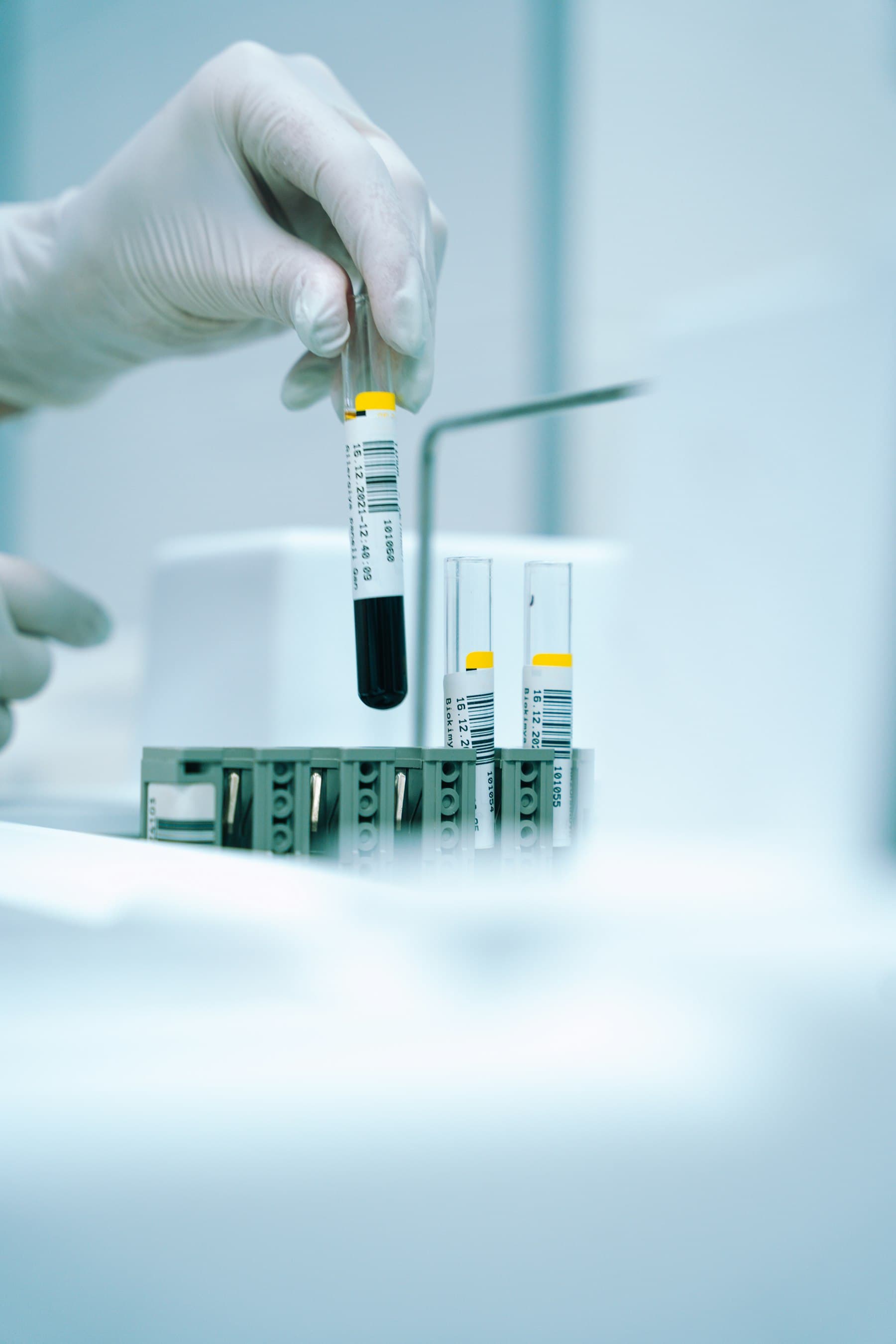
Every sample has a chain; the risk lives in the gaps between links.
A queue, not a memory
Send a job for lab results and it waits under "Waiting on lab" until you mark the results received. The dashboard counts what's waiting and says how long the oldest has been there, so nothing depends on someone remembering.
- Every job waiting on the lab in one filtered list
- The oldest wait on the dashboard
- Results received, then completed, in two clicks
The lab's PDF lands where it belongs
Upload the UKAS lab report to the booking the samples came from. It sits beside the engineer's job sheets, and that booking's service report includes it, so the result lives with the site and the work it belongs to.
- Lab PDF attached to the booking
- Included in that booking's service report
- Add a late report at any status, even after completion
From a positive result to a booked engineer
When the lab reports a positive, someone in the office raises the reactive job, gives it to an engineer and books it for today. It reaches their phone as a push notification, and the job's record starts there.
- Reactive work booked for today without moving the planned week
- A push notification to the engineer when the job is theirs
- Their job sheets come back to the same review queue
An inbox is where results go to wait
The inbox-and-spreadsheet workflow has a structural flaw: it depends on the right person reading the right email at the right time, every time, including the Friday before a bank holiday. BlueWave gives jobs waiting on the lab their own status, a count on the dashboard and a next step, because a positive Legionella result deserves better than "unread, 2 days".
Where lab reports sit in the records you must keep: the logbook requirements guide — and the standards behind it all on the compliance hub.
Common questions
How does BlueWave stop lab results getting lost in an inbox?
Where does the lab's report go?
What happens when a sample comes back positive?
Does it work with any UKAS-accredited lab?
Ask us the bank-holiday question
In the demo, a positive lands at 5pm on Good Friday. We'll show you how the office books the reactive job and where the lab's report ends up, and you can compare it with your inbox.